
DSCR deal paths
One property can have more than one financing path.
Find a review team for your property and financing goal. Broker and loan-officer requests keep the original transaction details together.
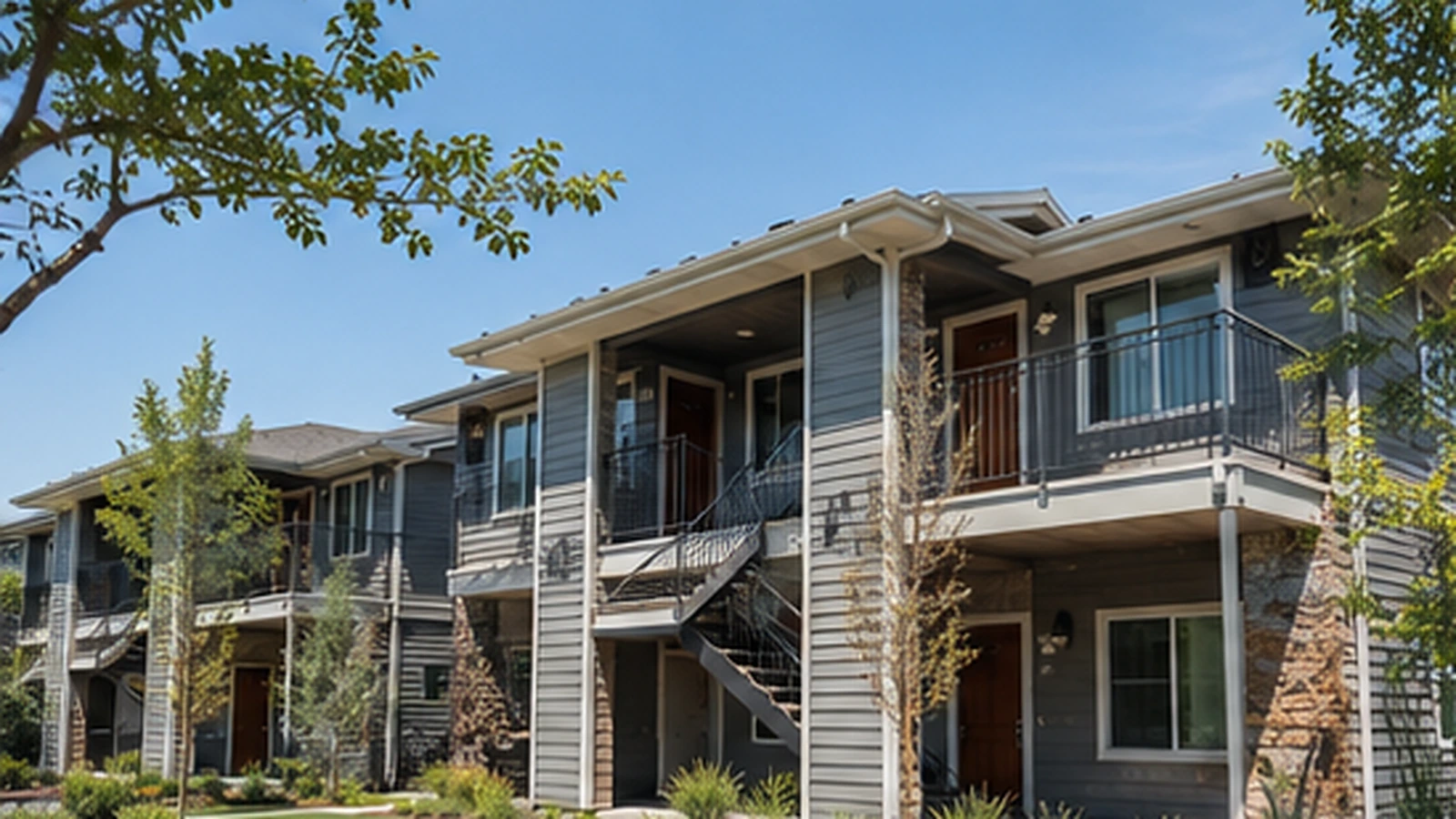
Specialist network
Find the team for your financing goal.
DSCRBrokerDesk.com
Broker or loan-officer submissions, while preserving the underlying strategy.
1031ExchangeDSCRLoan.com
Replacement-property requests with exchange and closing-timeline considerations.
DSCREquityLoan.com
Existing-first and second-lien requests where the first mortgage should remain.
DSCRSecondLook.com
Declined, stalled, appraisal-challenged, or closing-emergency scenarios.
BridgeToDSCR.com
Bridge, hard-money, renovation, stabilization, lease-up, or maturity exits.
NonQM123 Multifamily Review
Five-to-ten-unit and other specialized multifamily scenarios.
NonQM123 Manual Review
Unavailable-state, uncertain, or unsupported combinations that need review.
NonQM123 DSCR Deal Desk
Standard eligible purchase, refinance, and cash-out requests.
For brokers and loan officers
Choose the financing goal for your client’s property. That goal stays with the request when a broker or loan officer is submitting it, including a 1031 exchange, bridge payoff, equity request, or portfolio review.
No surprise redirect
Review the recommended team before choosing to open its website. You stay in control of the next step.
Owner-occupied requests stop before routing
Primary-residence, second-home, and personal-purpose selections do not create or send a DSCR lead. The visitor is offered a general NonQM123 contact path instead.
Run the property before you run the loan.
Send the property basics and financing goal to the right DSCR review team.